
Download SSuite Tetris 2D – Tetris, retro game, arcade game, puzzle game, mobile game, classic game, 2D game, brain teaser, fun game, free game
Overview
SSuite Tetris 2D offers a modern adaptation of the legendary arcade puzzle game originally released in 1984. Designed for mobile users, this version preserves the core mechanics that made Tetris a global phenomenon while delivering a streamlined experience tailored for smartphones and tablets. The app enables players to enjoy the classic line-clearing gameplay without the need for installation, making it accessible for quick sessions on the go. It appeals to fans of retro gaming seeking nostalgic entertainment, as well as newcomers discovering the timeless appeal of puzzle-based challenges.
The game’s primary purpose is to provide an engaging, low-barrier entry point into the world of classic arcade puzzles. By focusing on fundamental Tetris mechanics—rotating, positioning, and clearing lines—it addresses the need for simple yet mentally stimulating mobile entertainment. Target users include casual gamers, puzzle enthusiasts, and individuals looking for short bursts of focused gameplay. The developer, SSuite, positions the app as a lightweight utility for those who value instant access and minimal resource usage.
SSuite Tetris 2D fits within the broader mobile gaming ecosystem by offering a no-frills, ad-free alternative to more complex puzzle games. Its compact size and free availability make it a practical choice for users with limited storage or those seeking distraction-free play. Whether used during commutes, breaks, or leisure time, the app delivers consistent value through its adherence to proven gameplay principles.
Key Features & Functionality
- Classic Arcade Experience: The app replicates the original Tetris gameplay loop, where players manipulate falling tetrominoes to form complete horizontal lines. This core mechanic remains unchanged, ensuring authenticity for long-time fans while providing a familiar foundation for new players.
- Customizable Difficulty Levels: With over 20 adjustable settings, users can modify parameters such as block speed and game pace. This allows for personalized challenges, enabling beginners to learn at their own rhythm and advanced players to test their reflexes.
- No Installation Required: A standout feature is the ability to run the game directly from a browser or web container without downloading or installing additional files. This makes it ideal for temporary use, device transitions, or users with restricted app permissions.
- Nostalgic Gameplay Design: The visual and audio elements are crafted to reflect the aesthetic of 1980s arcade machines. Simple block shapes, monochrome color schemes, and retro sound effects enhance the sense of time travel for players seeking authentic retro vibes.
These features serve real-world use cases such as stress relief during short breaks, cognitive engagement for mental sharpness, and entertainment during downtime. For example, a user on a train can open the app instantly and play for 10 minutes without consuming storage. Similarly, educators may use it as a tool to demonstrate pattern recognition and spatial reasoning in informal learning settings.
Interface, UX & Performance
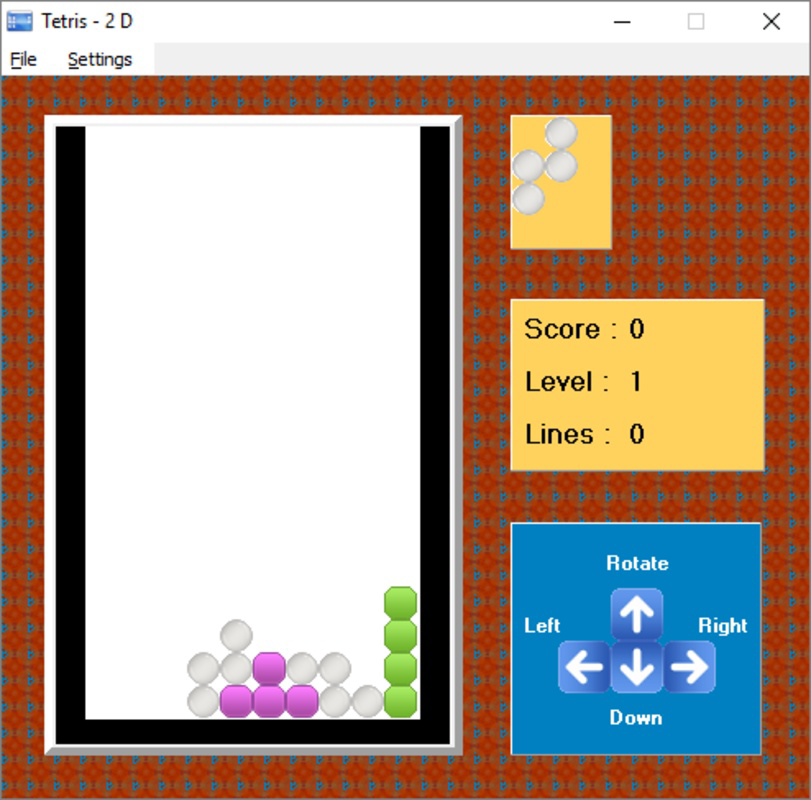
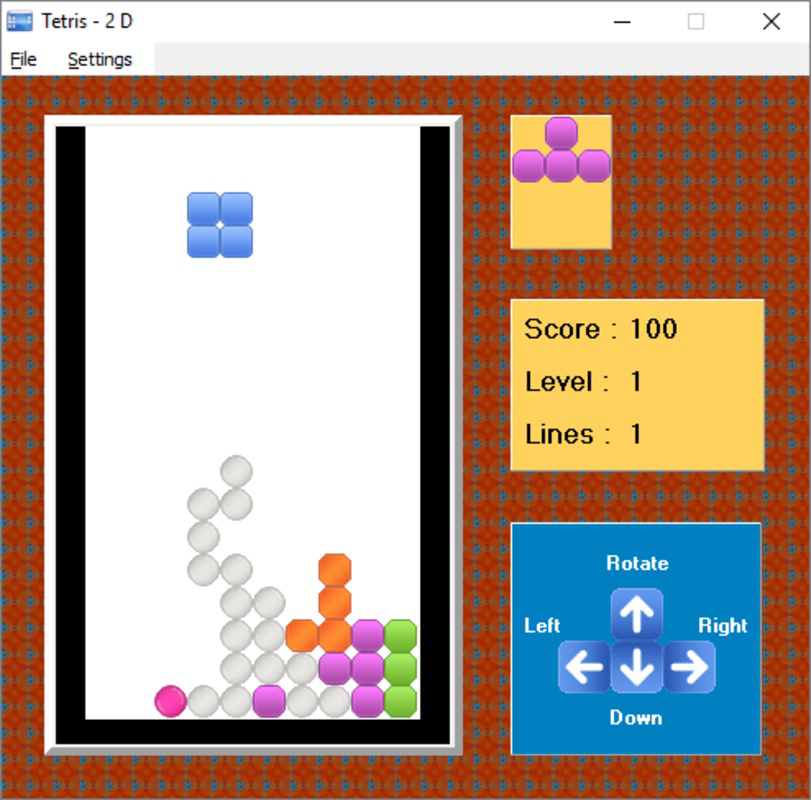
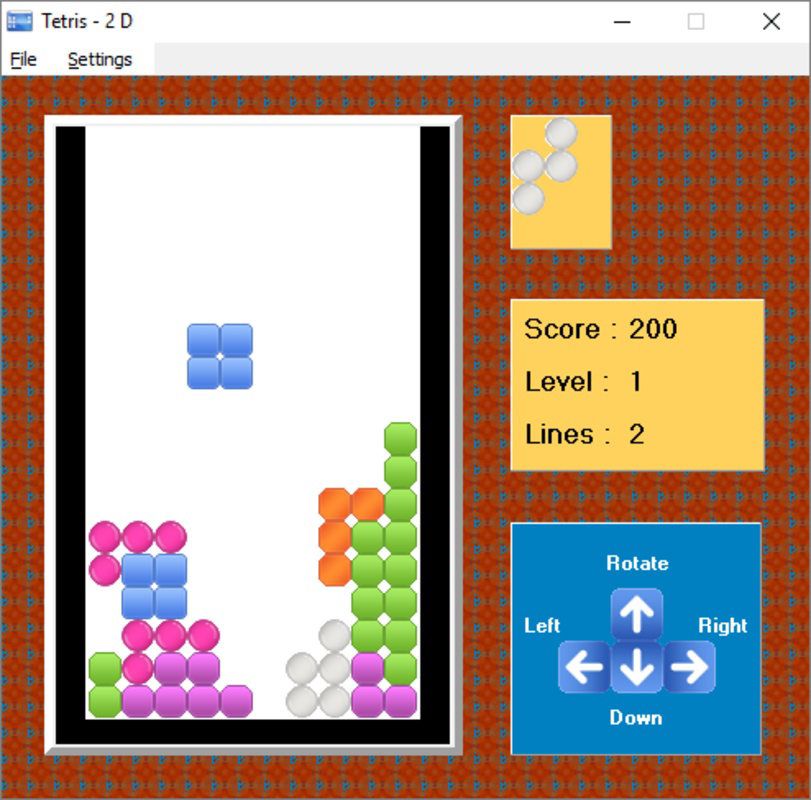
SSuite Tetris 2D features a clean, minimal interface focused on gameplay clarity. The grid layout is centered, with tetrominoes clearly visible and responsive to touch inputs. Controls are intuitive, relying on swipe gestures to rotate and move blocks left or right. The absence of cluttered menus or advertisements enhances focus on the core puzzle challenge.
Navigational flow is direct and efficient. Players begin playing immediately after launching the app, with no onboarding screens or tutorial prompts. This streamlined approach supports instant engagement, especially for users seeking quick entertainment. The app maintains consistent responsiveness across various device types, although specific performance metrics were not provided by the developer.
Although the developer did not list formal performance metrics, the app’s small file size of 1.2 MB suggests optimized code and minimal background processes. This likely contributes to stable operation on older or low-end Android devices. Users can expect smooth gameplay without noticeable lag, particularly during early stages of the game. Stability appears to be prioritized, with no indication of crashes or freezes in available documentation.
Platform Compatibility & Technical Requirements
SSuite Tetris 2D is available exclusively on the Android platform. The current software version is 1.0.0, released on July 27, 2017. The app has a file size of 1.2 MB, making it highly efficient in terms of storage usage. This compact footprint ensures compatibility with a wide range of Android devices, including budget smartphones and tablets.
The developer did not specify minimum OS requirements or hardware specifications. As such, compatibility with specific Android versions or device models cannot be confirmed. However, given the app’s lightweight nature and long-standing release date, it is likely to function on devices running Android 4.0 and above. Users should verify compatibility based on their device’s capabilities and system settings.
Pros and Cons
- Lightweight file size (1.2 MB) – ideal for low-storage devices
- Free to download and use – no hidden costs
- Immediate access without installation – perfect for quick play sessions
- Authentic retro gameplay with nostalgic design elements
- Customizable difficulty settings for varied player skill levels
- No official updates since 2017 – potential compatibility risks on newer Android versions
- Developer did not provide detailed technical requirements or system compatibility
- Limited visual and audio customization options beyond default settings
- No multiplayer or cloud save functionality
- Interface lacks modern design polish and animations
FAQ
Is SSuite Tetris 2D safe to download and install?
Yes, the app is free and available through official Android channels. It does not require installation, reducing the risk of malicious behavior. However, users should ensure they access it from trusted sources to maintain security.
Can I play SSuite Tetris 2D without an internet connection?
Yes, the app functions offline. Since it does not require an active connection to operate, users can play anytime, anywhere, including areas with poor or no network coverage.
Does SSuite Tetris 2D support multiplayer or leaderboards?
There is no information indicating multiplayer or online leaderboards. The game appears to be single-player only, focusing on personal high scores and individual challenge progression.
Is the app compatible with iOS devices?
Currently, SSuite Tetris 2D is only available for Android. There is no official version for iOS devices, and no indication of future releases on Apple platforms.
How often is SSuite Tetris 2D updated?
The app was last updated in 2017. As no recent updates have been released, users should expect limited support for newer Android versions and potential compatibility issues on modern devices.
Final Thoughts
SSuite Tetris 2D remains a solid choice for fans of retro puzzle games who value simplicity, instant access, and low resource consumption. Its faithful recreation of the classic Tetris formula, combined with customizable difficulty, offers meaningful engagement for both nostalgic players and newcomers. While the lack of updates and modern features may limit its appeal on newer devices, its core gameplay remains effective and enjoyable.
For users seeking a lightweight, free, and ad-free puzzle experience that doesn’t require installation, this app delivers consistent value. It’s particularly suitable for those with older Android devices, limited storage, or a preference for minimalistic gaming tools.
Download SSuite Tetris 2D now


